Description
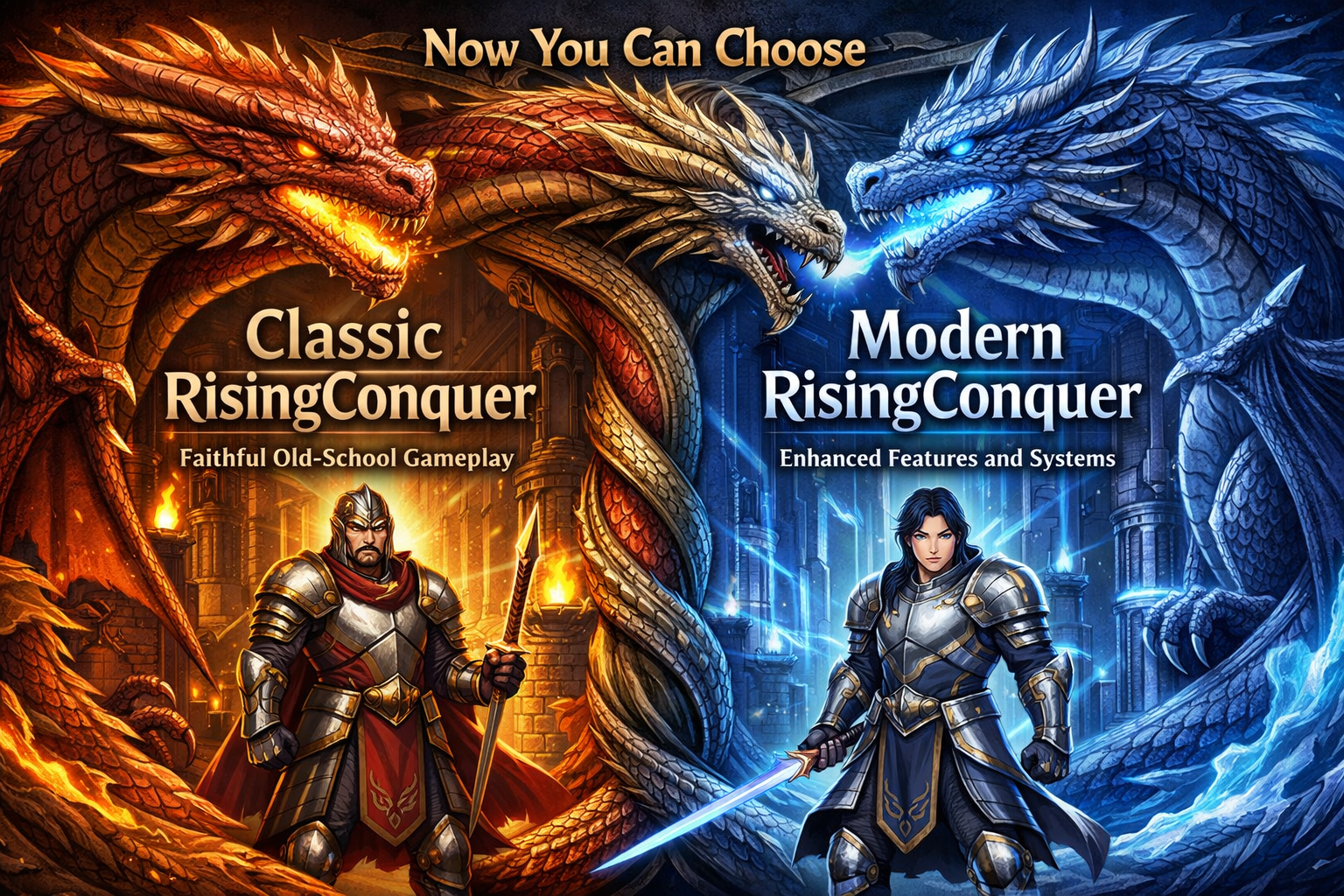
RisingConquer is a free-to-play 2.5D massively multiplayer online role-playing game (MMORPG) set in a fantasy version of ancient China, it is known for its fast-paced, skill-based combat and a heavy focus on Open PvP (Player vs. Player). Core Gameplay Features Unique Movement: Unlike most MMOs where characters walk, movement in Conquer Online is defined by jumping. Players hop across landscapes and buildings to travel and dodge in combat. Class System: Players can choose from multiple martial arts-themed classes, including the Trojan, Warrior, Archer, Taoist (Fire or Water), Ninja, Monk, and Pirate. Each has distinct weapons and "XP Skills" that allow for devastating area-of-effect (AoE) attacks. Rebirth System: Once a character reaches a high level (typically 120), they can undergo "Rebirth," allowing them to start over as a new class while retaining some stats and gaining unique abilities and equipment options. Intense PvP and PK: The game features an "Open PK" environment where players can be attacked almost anywhere. Significant events include weekly Guild Wars for control of the central "Guild Pole" in Twin City. Item System & Economy Dragon Balls and Meteors: These are the game’s most iconic and valuable items. They drop from monsters with a distinct "ding" sound and are used to upgrade equipment quality and level. Equipment Upgrading: Players can "compose" items to add bonus stats (e.g., +1 to +12) and add "sockets" for gems that provide extra power. Evolution and Community Sentiment Classic: Long-time players often distinguish between the "Classic" era, focused on grinding and simple gear, and the modern version.
We invite you to become a part of our gaming community. Share your stories, insights, and experiences. Engage with others who are as passionate about gaming as you are.of virtual adventures and make lasting memories.
RisingConquer Online
English, Spanish, Romanian and French
Launcher Stuck Loading
If the game launcher does not load and open restart your pc, the internet connection is being blocked by the launcher by a false flag of cheating.
Black Screen // Nothing Loads
If the client loads to a black screen you will need Flash Player installed, Download Flash Player from the right side of this page and install to fix this issue.
Launcher Stuck On Repair
If the game launcher is not able to repair the game files it will stay stuck on Repair mode, to solve this problem make sure your Anti_Virus or Windows Defender didnt delete the files, this is the most common issue for this problem.We require payment to be made in advance to secure any service. This ensures that both the service provider and client are committed to the agreement. Rest assured that all payments are processed through a secure payment system to protect your financial information. Once your payment is complete, you’ll receive a confirmation receipt as proof of the transaction.
We understand that plans can change, so we offer a flexible cancellation policy. If you need to cancel a service, it’s best to do so before the service starts or before significant progress has been made, if buying CP and CP has been spent at all then no refund can be issued. If bought V.I.P and the service was active for more then 24-Hours then no refund can be issued. For cancellations made within the appropriate notice period, you may be eligible for a full refund. However, cancellations made at the last minute or after substantial resources have been allocated may incur a cancellation fee and/or be denied a refund.
Your satisfaction is important to us, which is why we offer a fair and transparent refund policy. If the service provider is unable to deliver the agreed-upon service or if a justified cancellation is made, you will be eligible for a refund. Refunds are typically processed within 5–7 business days after approval, though this timeline may vary slightly depending on your payment method.