Description
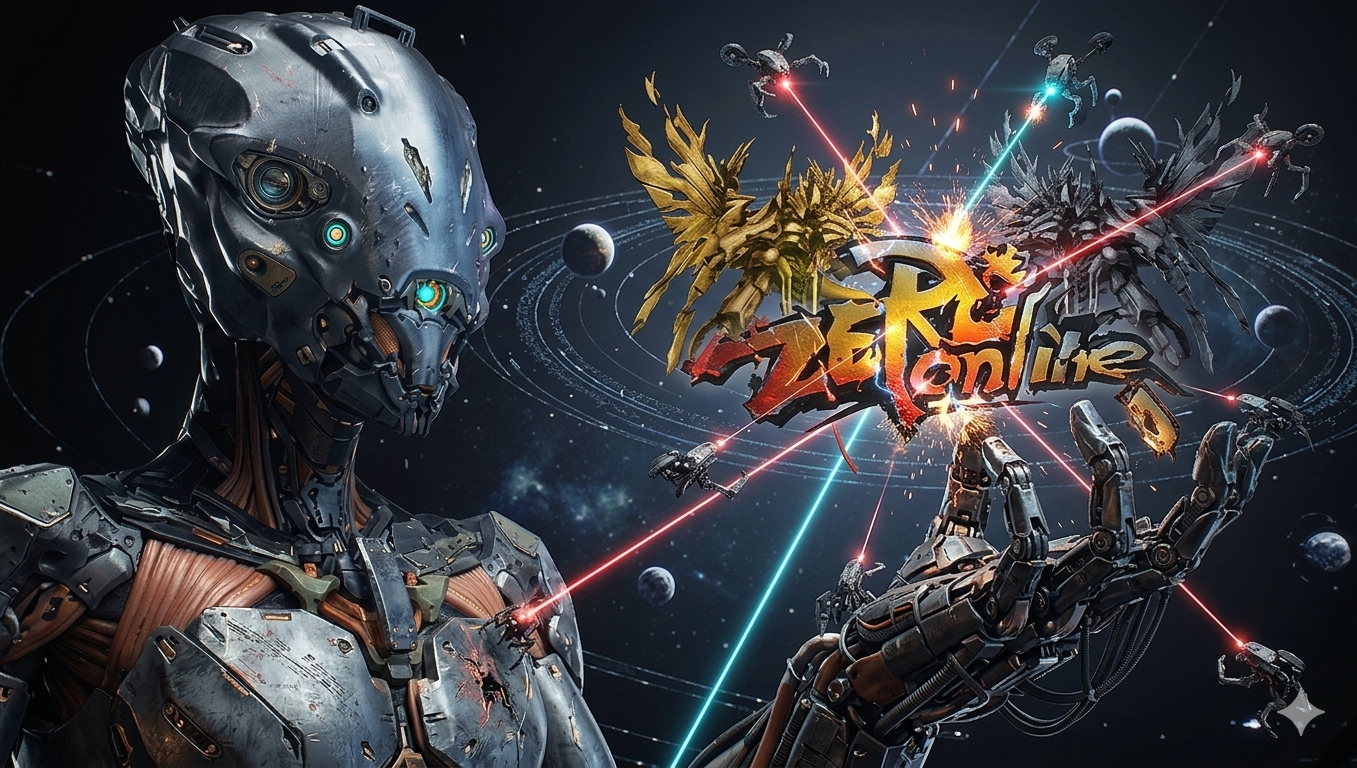
Zero Online: is a free-to-play sci-fi MMORPG where players get to step into the role of a space pilot seeking to master high-tech weaponry through fighting across an immense universe at war. Players strap their characters into one of many unique battle mechs representing the Earth Alliance to face off against the marauding and mysterious Othello. ZO also hosts a unique transform system, where mechs may change into various other unit shapes, such as a large gun, or a dinosaur, for changes in strength, attack range, and attack speed. Pilots may climb through 22 ranks through the current cap of 187 levels, steadily becoming more powerful with each level. Zone, spacecraft, daily, and weekend mission are all also available, along with weekly and monthly PK tournaments. FEATURES Classes and Units | Artillery and Infantry are the two main classes, with each having a variety of melee, range, and transform skills. Fusion Units | 8 types available: Light Infantry & Artillery, Heavy Infantry & Artillery, Pyro Infantry & Artillery, and Cryo Infantry & Artillery. PK Tournaments | Weekly and monthly tournaments held at novice, intermediate, and advanced levels. HGES | The Human Genetic Engineering System allows pilots of level 10 and higher to increase their Leadership, Assistance, Command, Shooting, Combat, Reflex, Mobility, Charisma, Will Power, and Endurance traits.
We invite you to become a part of our gaming community. Share your stories, insights, and experiences. Engage with others who are as passionate about gaming as you are.of virtual adventures and make lasting memories.
Zero Online
English, Spanish, Romanian and French
9044
AutoPatch Stuck
If AutoPatch is staying stuck or does not load or shows "?????", follow the guide below.Right-click on the game icon on the desktop, click on the option to "open file location", now look for a file named play.exe and right-click on it, next click the option to "properties", in the window that opens at the top will be options you need to click on option "Compatibility", now your going to check the option that says "Run this program as an administrator", now click Apply and OK. Now run the game as normal and AutoPatch system will work.
Install Client To New Drive
Download the client file, then put the file in the folder or drive you wish to install the game, then right-click on the game file and then click extract all here.
Black Screen
If the client loads to a black screen you will need Flash Player installed, Download Flash Player from the right side of this page and install to fix this issue.
Nothing Loads
If the client loads to a black screen you will need Flash Player installed, Download Flash Player from the right side of this page and install to fix this issue.We require payment to be made in advance to secure any service. This ensures that both the service provider and client are committed to the agreement. Rest assured that all payments are processed through a secure payment system to protect your financial information. Once your payment is complete, you’ll receive a confirmation receipt as proof of the transaction.
We understand that plans can change, so we offer a flexible cancellation policy. If you need to cancel a service, it’s best to do so before the service starts or before significant progress has been made. For cancellations made within the appropriate notice period, you may be eligible for a full refund. However, cancellations made at the last minute or after substantial resources have been allocated may incur a cancellation fee.
Your satisfaction is important to us, which is why we offer a fair and transparent refund policy. If the service provider is unable to deliver the agreed-upon service or if a justified cancellation is made, you will be eligible for a refund. Refunds are typically processed within 5–7 business days after approval, though this timeline may vary slightly depending on your payment method.